
If you manage WordPress at scale for a large organization, security becomes more than just installing a plugin and hoping for the best. Enterprise environments face complex threats, compliance requirements, and the challenge of protecting multiple sites and users simultaneously. This list walks through practical security measures that address the specific needs of corporate teams and decision-makers who need reliable, scalable protection.

Large organizations typically have dozens of people touching WordPress, from content editors to developers. Without strict role-based access control, you risk giving too many people administrative privileges they don’t need. Set up a clear hierarchy where users only have the permissions required for their specific tasks. Marketing teams shouldn’t have access to plugin management, and contractors shouldn’t retain access after their projects end.
Regularly audit user roles and remove inactive accounts. Consider implementing single sign-on solutions that integrate with your existing corporate identity management system, making it easier to control access centrally and revoke permissions when employees leave.
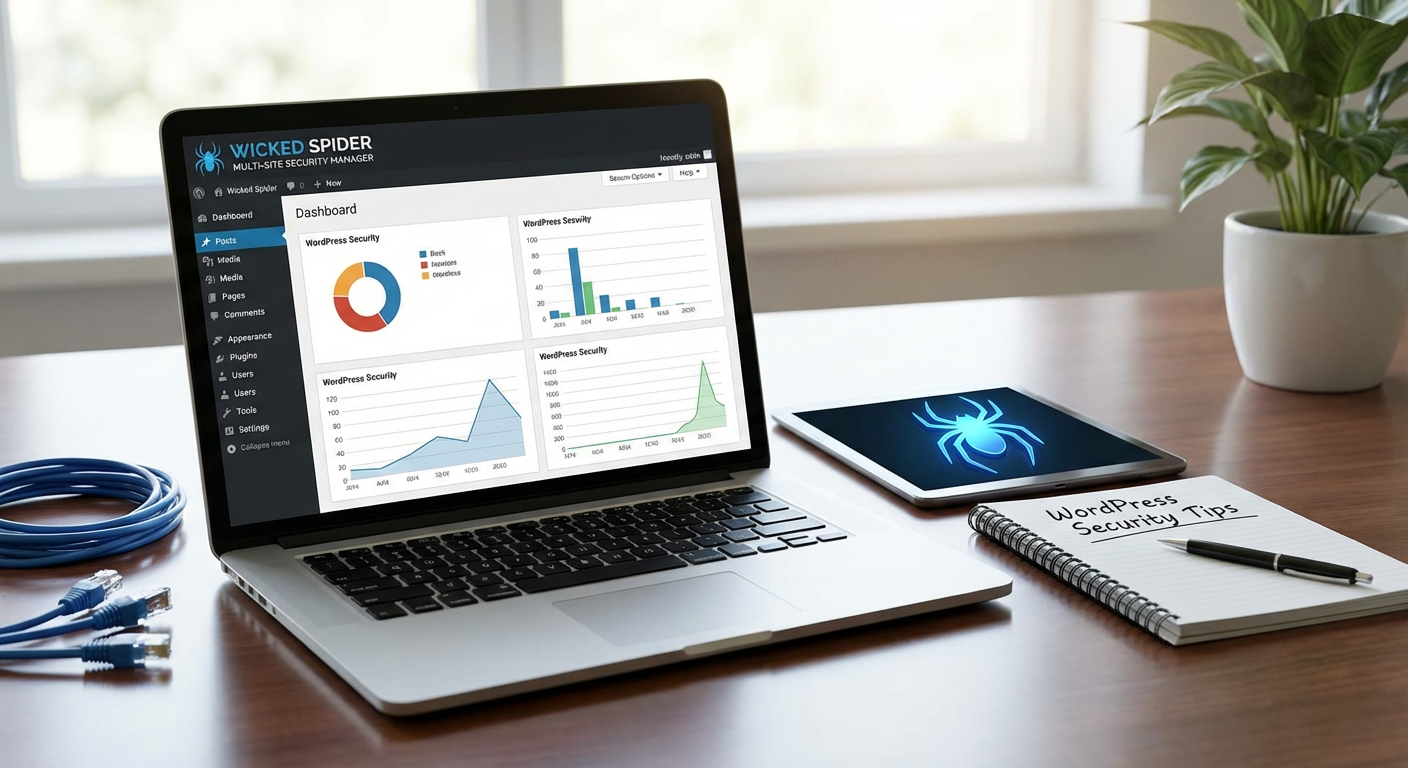
Managing security across multiple WordPress installations becomes a logistical challenge at enterprise scale. Wicked Spider offers centralized security monitoring and management that lets you oversee all your sites from a single dashboard. This becomes particularly valuable when you need consistent security policies across different departments or regional sites.
The platform handles updates, security scans, and threat monitoring without requiring you to log into each individual site. For large teams, this centralized approach reduces the chance of human error and ensures that no site gets overlooked during routine security maintenance.
Automatic updates might work for small sites, but enterprises need more control. Create a formal process where updates are tested in a staging environment before being pushed to production. This prevents a bad update from breaking critical functionality across your entire network.
Schedule regular maintenance windows where your team reviews and applies updates to WordPress core, themes, and plugins. Document which versions are running on which sites, and maintain a rollback plan in case something goes wrong. This structured approach balances security with stability, which matters when your sites handle serious business operations.
Plugin-based firewalls have their place, but enterprise security benefits from protection that sits outside WordPress itself. Implement a web application firewall at the DNS or server level to filter malicious traffic before it ever reaches your sites. This reduces server load and provides an additional security layer that attackers can’t disable by compromising WordPress.
Many enterprise hosting providers and content delivery networks offer WAF services that you can configure with rules specific to WordPress. These solutions can block common attack patterns, rate-limit suspicious behavior, and provide detailed logs that help your security team identify threats.
Organizations in regulated industries need more than just good security. They need proof. Maintain detailed documentation of your security measures, access logs, and incident response procedures. Regular third-party security audits demonstrate due diligence and help identify vulnerabilities your internal team might miss.
Set up automated logging that captures security events across all your WordPress sites. These logs become critical evidence during compliance reviews and help you understand attack patterns over time. Make sure your logging solution meets retention requirements for your specific industry regulations.
Never let your development, staging, and production environments share resources. Each should have its own database with separate credentials that have only the minimum required privileges. Production databases should never be accessible from development machines, and developers should work with sanitized copies of production data rather than the real thing.
This isolation limits damage if one environment gets compromised. It also prevents accidental data exposure and makes it easier to control who has access to sensitive customer information. Use separate hosting accounts or virtual private clouds for each environment tier.
Despite your best efforts, security incidents can still happen. Having a documented response plan means your team knows exactly what to do when something goes wrong. Identify who needs to be notified, how to isolate compromised systems, and what steps to take for recovery.
Run periodic drills where you simulate a security breach and practice your response. These exercises reveal gaps in your plan and ensure everyone knows their responsibilities. Include contact information for legal counsel, public relations, and any third-party security services you might need during a crisis. The middle of an actual incident is not the time to figure out who should be making decisions.
Security at enterprise scale requires more structure and planning than smaller sites, but the investment pays off in reduced risk and better compliance. Start with the areas that pose the biggest threat to your organization, whether that’s access control, patch management, or incident response. Building strong security practices now saves you from much bigger problems later, and gives your organization the confidence to use WordPress for critical business functions.