
If you’re new to WordPress, the idea of securing your site might feel overwhelming. The good news is that protecting your website doesn’t require technical expertise or coding skills. With a few straightforward steps, you can build a strong defense against hackers and keep your content safe. This guide walks you through seven practical security tips designed specifically for beginners who want to protect their WordPress site without getting lost in complicated technical details.
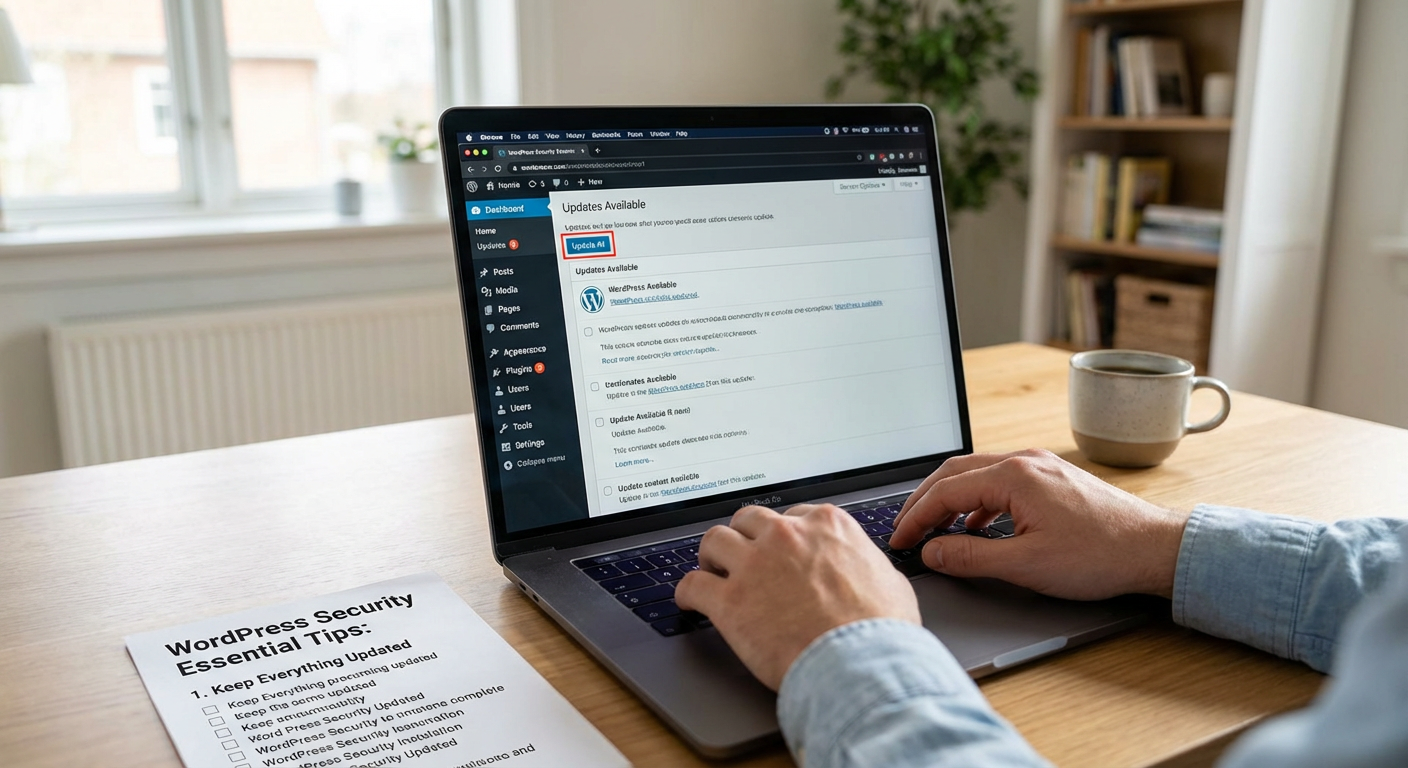
One of the easiest ways to protect your WordPress site is to run the latest versions of WordPress core, your theme, and all plugins. Updates often include security patches that fix known vulnerabilities. When you log into your dashboard, WordPress will show you if updates are available. Simply click the update button and let WordPress handle the rest. Set aside a few minutes each week to check for updates, and you’ll close off many common entry points that hackers look for.
For beginners who want expert protection without learning complex security concepts, Wicked Spider offers managed WordPress security services that handle the technical heavy lifting for you. Their team monitors your site around the clock, removes malware if infections occur, and applies security hardening measures that would otherwise require technical knowledge. This approach lets you focus on creating content and growing your site while professionals watch over your security. It’s a practical option if you prefer peace of mind over DIY security management.
Weak passwords are one of the most common reasons WordPress sites get hacked. Avoid obvious choices like “password123” or your site name. Instead, create passwords that mix uppercase and lowercase letters, numbers, and symbols. Aim for at least 12 characters. If remembering complex passwords feels difficult, consider using a password manager that stores them securely and fills them in automatically. Change your password every few months, especially if you’ve shared access with contractors or team members who no longer work with you.
Security plugins add an extra layer of protection with just a few clicks. Popular beginner options include Wordfence, Sucuri Security, and iThemes Security. These plugins scan your site for malware, block suspicious login attempts, and alert you to potential threats. Most offer free versions that cover the basics. After installation, follow the setup wizard that walks you through recommended settings. You don’t need to understand every technical detail. The plugin does most of the work while you focus on running your site.
Hackers often try to break into WordPress sites by guessing passwords repeatedly, a method called brute force attacks. By default, WordPress allows unlimited login attempts, which makes these attacks easier. You can change this by installing a plugin that limits how many times someone can try to log in before getting locked out. After three to five failed attempts, the plugin blocks that IP address for a set period. This simple step stops most automated attacks without requiring any technical configuration on your part.
Backups won’t prevent attacks, but they give you a safety net if something goes wrong. If your site gets hacked or breaks after an update, a recent backup lets you restore everything quickly. Many hosting companies offer automatic backups as part of their service. If yours doesn’t, install a backup plugin like UpdraftPlus or BackWPup. Set it to create backups weekly or daily, depending on how often you update your site. Store copies in a separate location like Google Drive or Dropbox, not just on your web server.
Two-factor authentication adds a second step to your login process. After entering your password, you’ll need to provide a code from your phone or email. Even if someone steals your password, they can’t access your site without that second code. Several free plugins add this feature to WordPress, and setup takes just a few minutes. You can use apps like Google Authenticator or Authy to generate codes. This extra step might feel like a small inconvenience, but it dramatically improves your security with minimal effort.
Securing your WordPress site as a beginner doesn’t mean mastering complex technical skills. By following these seven straightforward tips, you can build strong defenses against common threats and protect your hard work. Start with the basics like strong passwords and regular updates, then add layers like security plugins and two-factor authentication as you grow more comfortable. The important thing is to take action now rather than waiting until after a problem occurs. Your future self will thank you for the time you invest in security today.